
The Problem
The Editor Shows Posts; the Live AJAX Request Returns Nothing
This is one of the most misleading Loop Grid failures because the template itself is usually fine. The editor preview only establishes that one query can render posts in that context. The live filter introduces a second layer: the front-end request must reconstruct the correct query, taxonomy, grid relationship and page context. If that request differs from the editor's query, you can get empty or incorrect results.
Step 1
Prove the Base Loop Works Without the Filter
Load the published page with no filter selected and record the URL, count and first few results before clicking anything. If the base grid is already wrong, this is not an AJAX-filter problem. Fix the Loop Grid query first.

Step 2
Audit the Loop Grid Query Context
Open Content → Query. Record Source, Include/Exclude rules, Query ID and whether Source is Current Query. Elementor specifically notes that its Taxonomy Filter does not support Current Query. This restriction applies to Elementor's native Taxonomy Filter. If Search & Filter owns the query, inspect that integration instead of treating the two filter systems as interchangeable.

Step 3
Verify the Filter Targets the Same Grid and Taxonomy
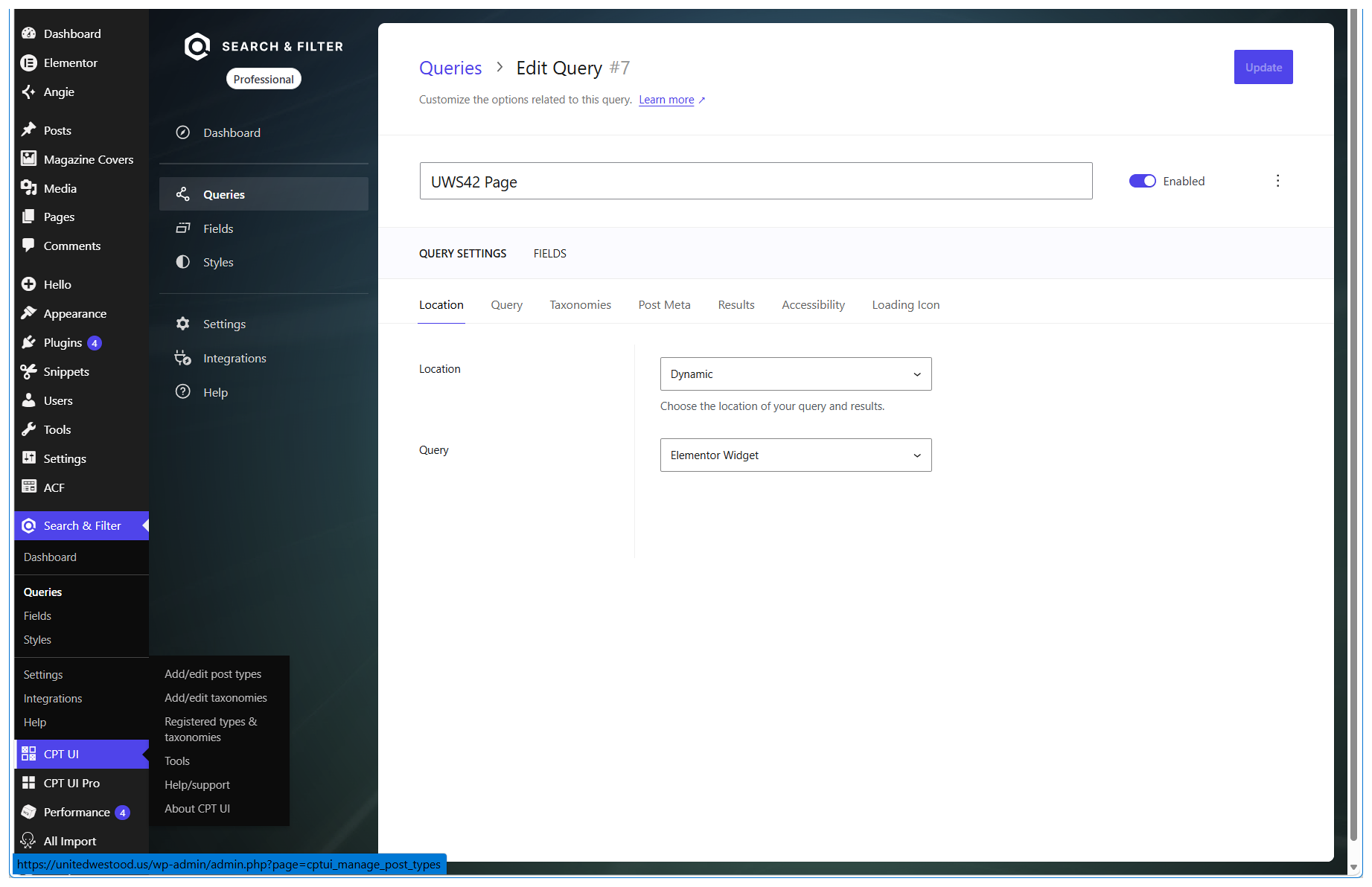
For Elementor's native Taxonomy Filter, confirm Selected Loop Grid and Taxonomy. For Search & Filter, confirm its Query Location and the Elementor Loop Grid's Source and chosen query. A filter can sit beside a grid while targeting a different query.
Step 4
Reproduce the Failure on the Published Page
Open a private window, load the published URL, apply exactly one filter and record the URL, count and returned items. Compare with the unfiltered baseline. If results differ across a fresh private session and a cached session, inspect page cache, delayed scripts and optimization settings one at a time; t