
Stop Anchor Links Hiding Behind a Sticky Header
A table of contents or jump link scrolls to the right section, but its heading disappears behind the sticky navigation. Visitors land in the right place and still cannot see the answer.
Give the document scroll area room for the header. CSS scroll-padding-top sets a comfortable landing position for native hash links, without moving the heading in the page layout.
Check your anchor
Give the target section or heading an ID such as pricing, then link to #pricing. Test once so you know the link itself works.
Add the CSS
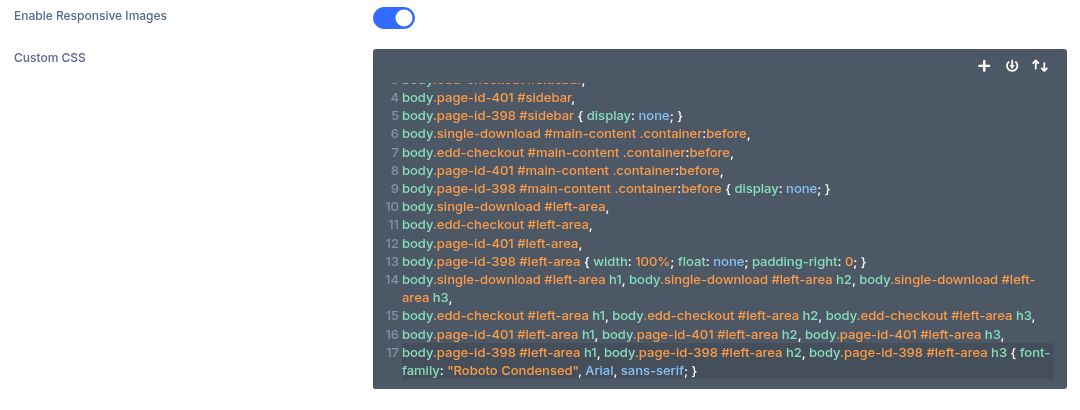
In WordPress, open Appearance → Customize → Additional CSS (or your theme’s custom CSS area) and paste the snippet below. Divi users can use Divi → Theme Options → Custom CSS.
Match your header height
Replace 120px with your desktop sticky header height plus a little breathing room. Replace 80px with the mobile value. Save and clear any page cache.
Test both sizes
Open a page with a jump link in a fresh tab, click it on desktop and mobile, and confirm the target heading remains visible. Try a direct URL ending in #pricing too.
Troubleshooting
The heading is still covered
Increase the offset. Measure the header while it is actually stuck, not only at the top of the page; sticky headers may change height.