
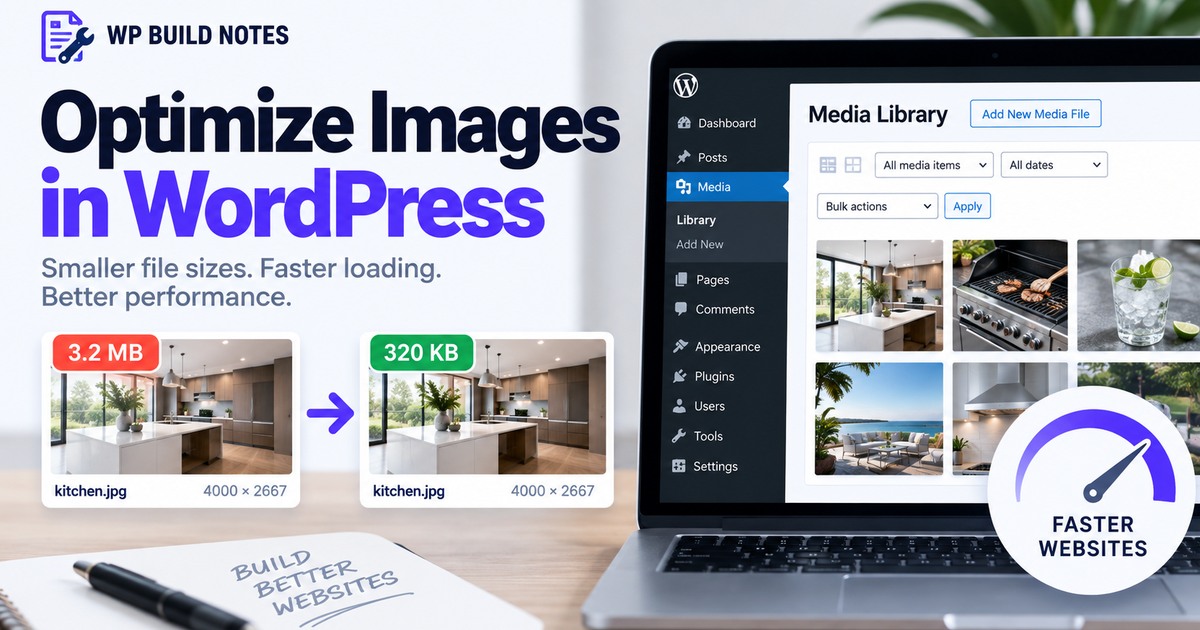
Optimize Oversized Images Before They Slow Down WordPress
A page looks fine but loads slowly because it is serving multi-megabyte photos at dimensions far larger than the layout needs.
Match the source to the layout
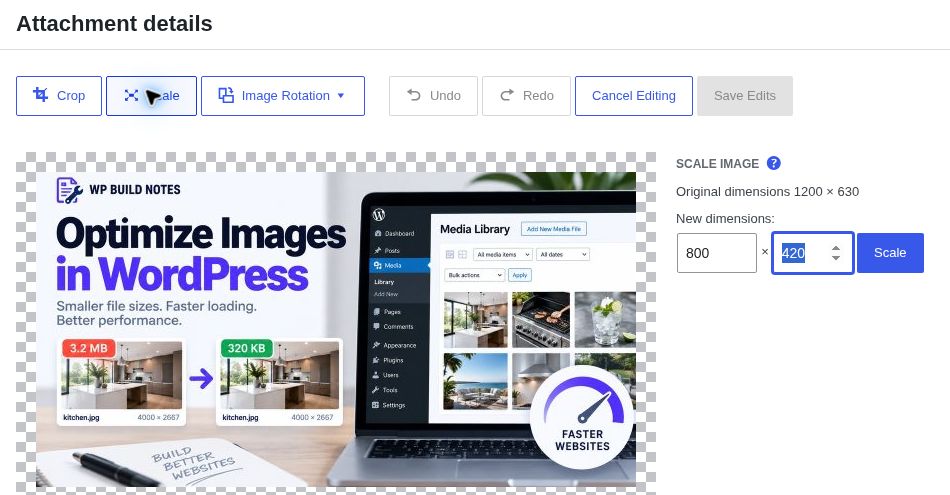
Do not upload a 5000-pixel photo for a slot that never displays above roughly 1600 pixels. Resize the source before upload when practical.
Compress before upload
Export photographs at a sensible quality setting and compare the result visually. The goal is a much smaller file with no obvious quality loss.
Prefer modern formats when appropriate
WebP and AVIF can reduce file size substantially. WordPress and performance plugins can generate modern-format derivatives depending on server support.
Check the page, not just the Media Library
After replacing an oversized asset, clear caches and verify the front end is actually serving the smaller file.
Still not working?
Replacing an image in the Media Library does not guarantee every cached page/CDN copy updates immediately. Purge relevant caches and test the actual front-end request.
Keep building.
Find another practical WordPress fix and keep moving.