
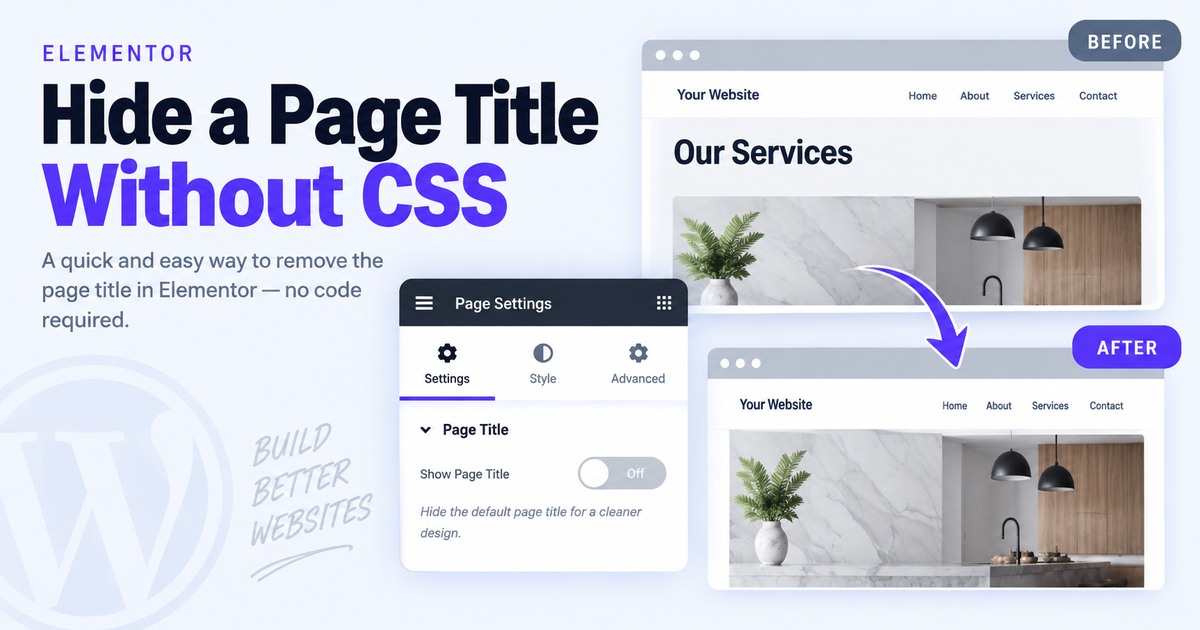
The Problem
Hide a Page Title in Elementor Without CSS
The theme is printing a page title above your Elementor layout, leaving an unwanted heading or extra space.
1
Open the page in Elementor
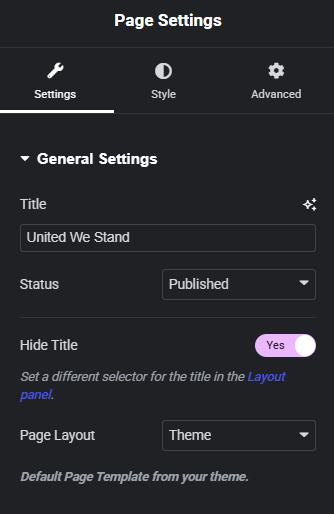
Edit the page with Elementor and open Page Settings from the top toolbar.
2
Turn on Hide Title
In Page Settings, set Hide Title to Yes. Elementor removes the theme-generated title when the theme uses the expected title selector.
3
If the title remains
Open Site Settings → Layout and check the Page Title Selector. Elementor commonly expects h1.entry-title; use the selector your theme actually outputs.
Common Problem
Still not working?
If the title remains visible, the theme may use a different H1 class. Inspect the title in the browser and update Elementor’s Page Title Selector.
Quick Summary
Page Settings → Hide Title → Yes. If it does not work, verify Site Settings → Layout → Page Title Selector.
Related Fixes
Keep building.
Find another practical WordPress fix and keep moving.