
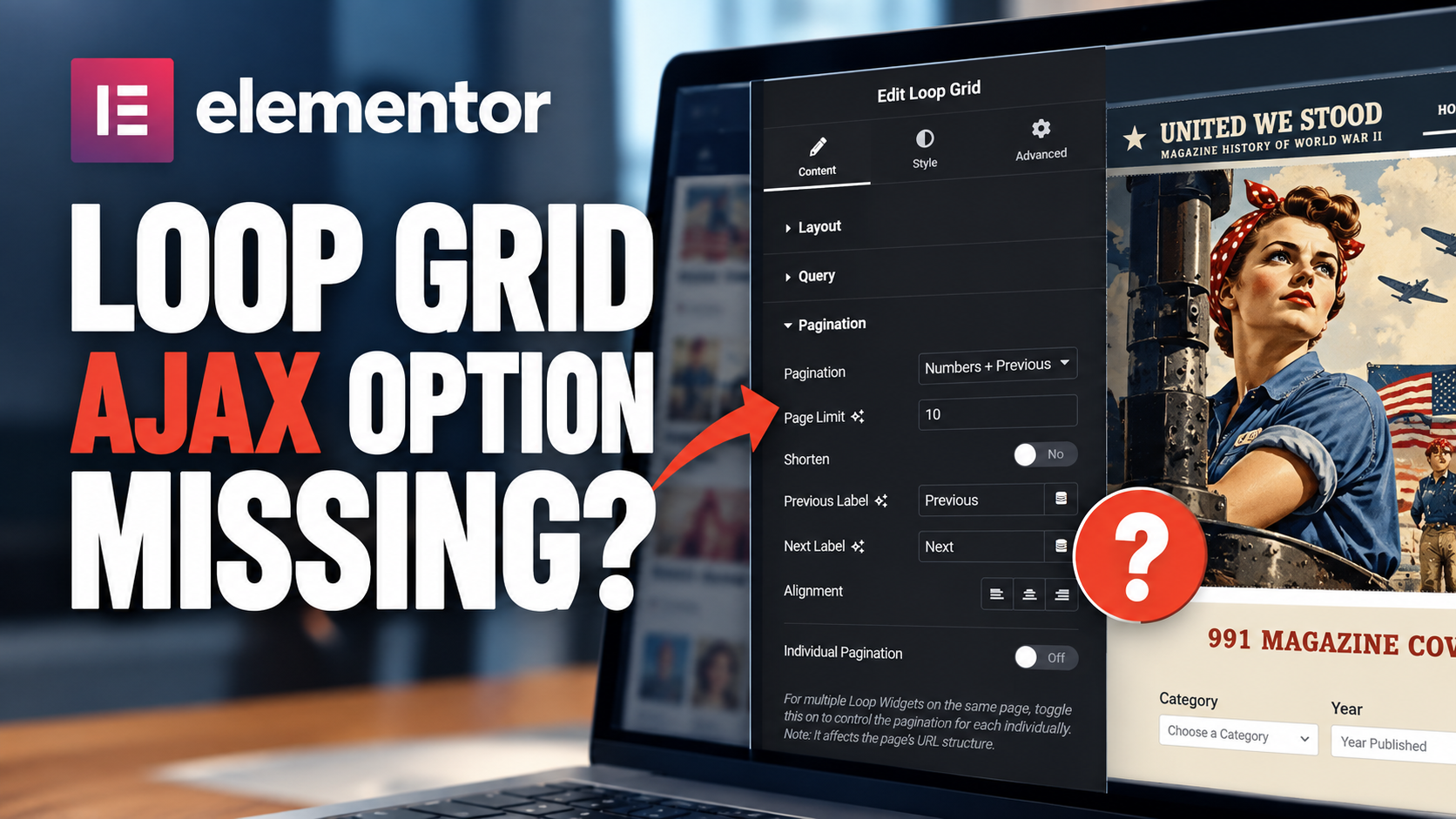
Elementor Says There's an AJAX Setting — But You Can't Find It
Elementor documents a Load Type setting for Loop Grid pagination with Page Reload and AJAX options. AJAX reloads only the Loop Grid instead of refreshing the entire webpage.
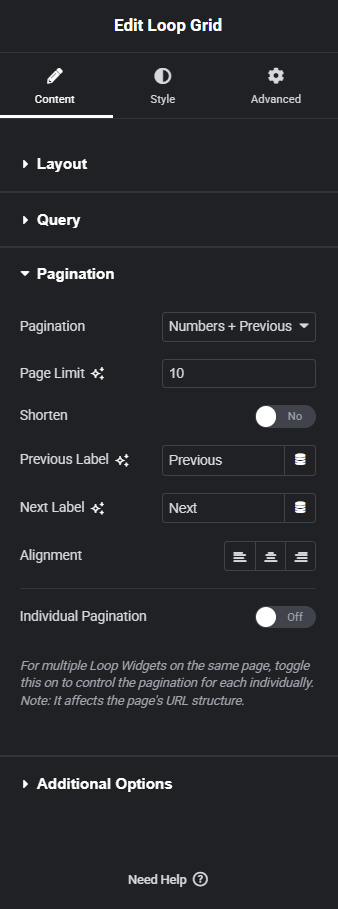
But on some installations the Pagination panel jumps directly from Alignment to Individual Pagination. If that's what you see, you're not simply overlooking the AJAX control.
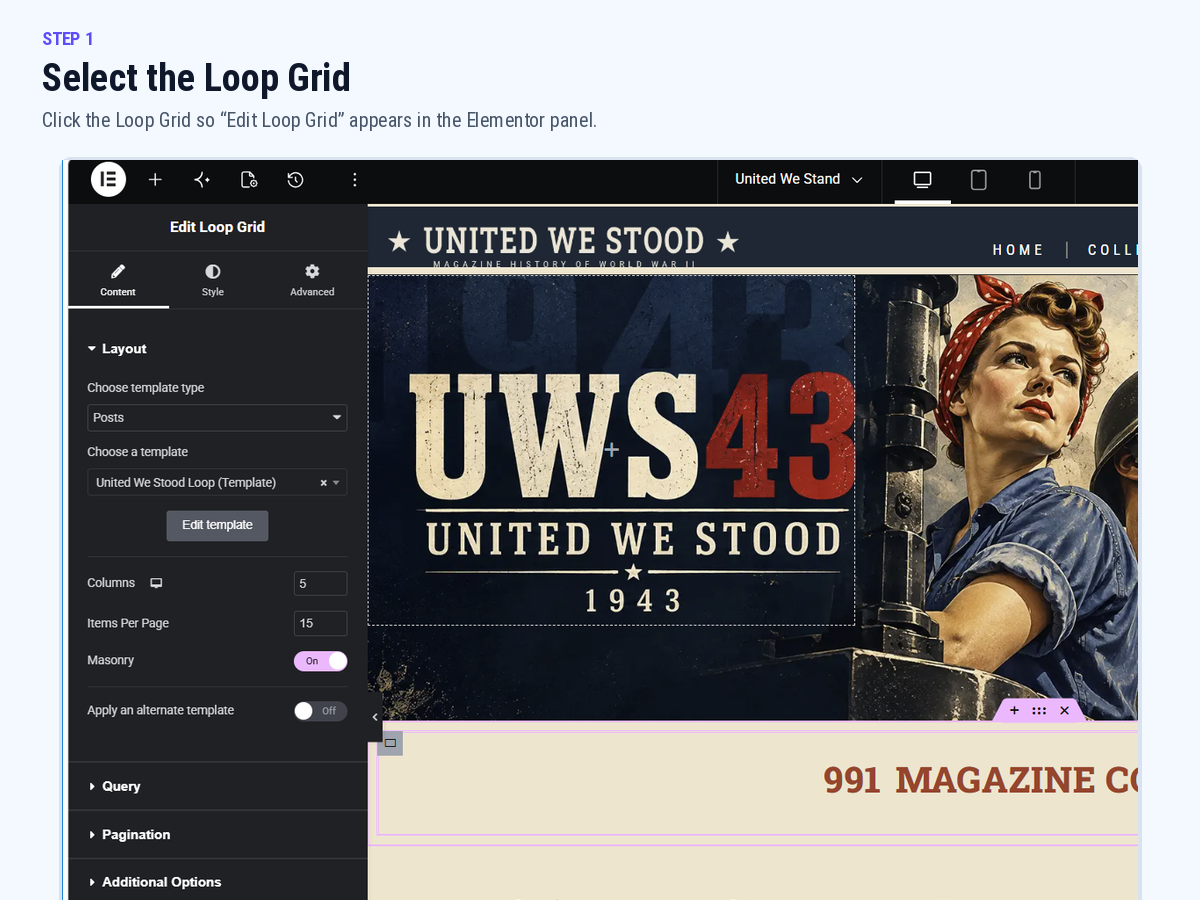
Select the Loop Grid
Open the page in Elementor and select the Loop Grid widget. The left panel should say Edit Loop Grid. The Structure panel is often the easiest way to select the widget itself rather than its surrounding container.
Open Content → Pagination
Choose Numbers, Previous/Next, or Numbers + Previous/Next. For troubleshooting, Numbers + Previous/Next makes the panel easy to verify.
Look for Load Type
Elementor's documented UI includes Load Type → Page Reload / AJAX. If your panel instead goes directly from Alignment to Individual Pagination, the Load Type control is not being exposed by your current Elementor configuration.
Individual Pagination Is NOT AJAX
Individual Pagination controls multiple Loop Grids on the same page so they can paginate independently. It does not change the loading method and is not a substitute for Load Type → AJAX.
Before looking for a workaround
- Confirm you're editing the Loop Grid itself. The panel heading should say Edit Loop Grid.
- Use a supported pagination type. Try Numbers, Previous/Next, or Numbers + Previous/Next.
- Confirm Elementor Pro is active.
- Check Elementor and Elementor Pro versions. Keep the paired plugins current and compatible.
- Clear Elementor and site caches. Include optimization/CDN caches if applicable.
- Reload the editor completely. Close the editor and reopen the page after updates or cache clearing.
“I'll Just Turn On Individual Pagination”
Don't confuse the two controls. Load Type determines how another page of the Loop Grid loads. Individual Pagination determines whether multiple Loop Grids maintain separate pagination states.