
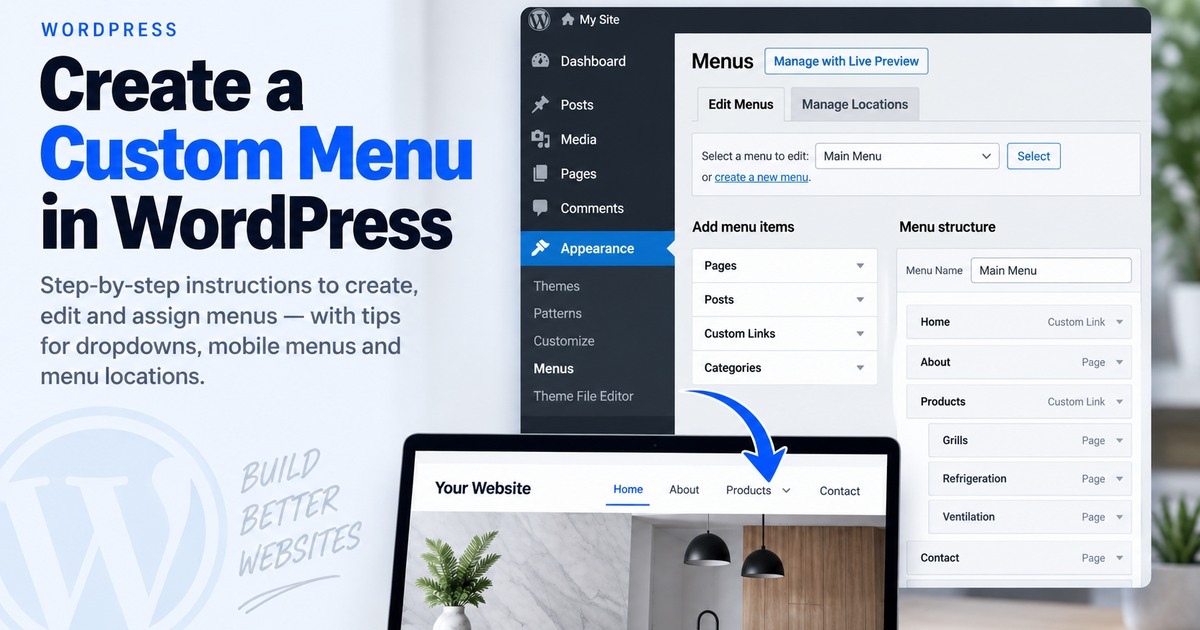
Create and Assign a Custom Menu in WordPress
You created pages, but the site navigation is missing items, in the wrong order, or assigned to the wrong menu location.
Open the menu screen
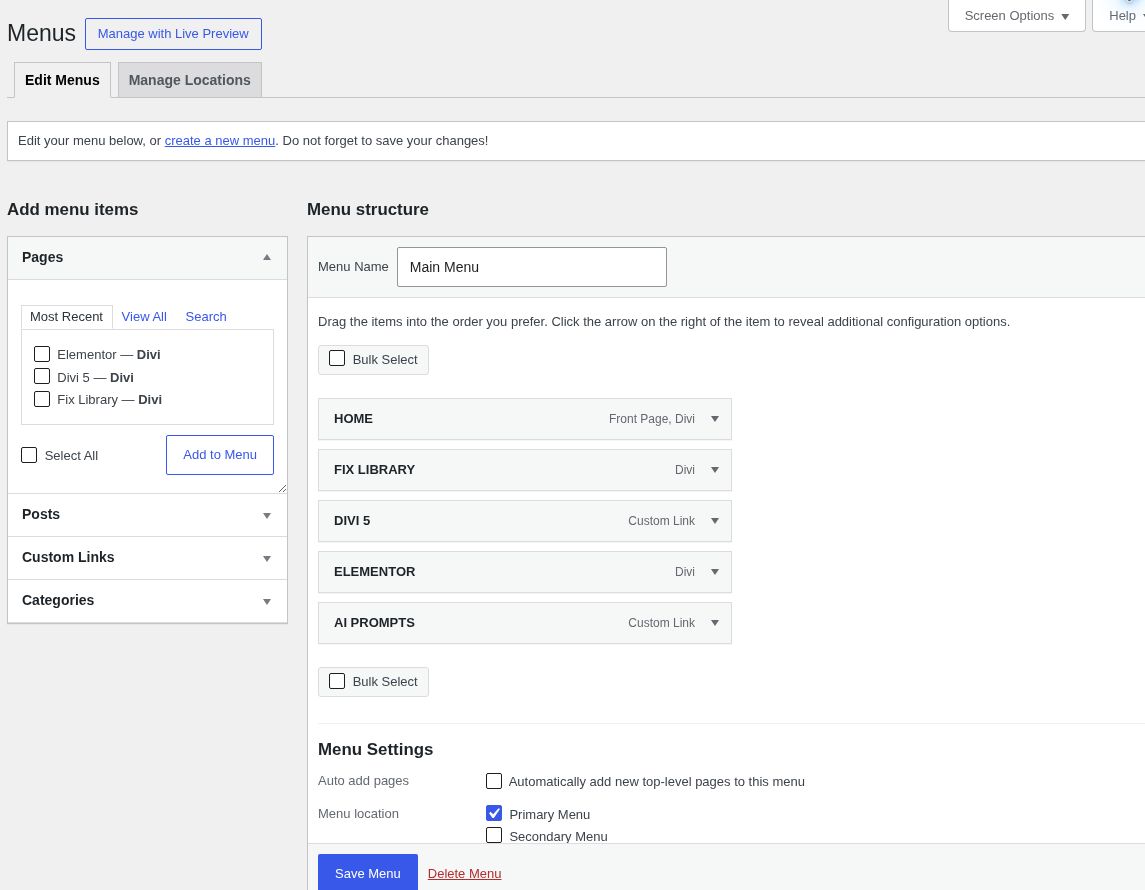
On classic or hybrid themes, go to Appearance → Menus. Create a new menu or select an existing one.
Add and arrange items
Add Pages, Posts, Custom Links, or Categories. Drag items to reorder them; indent an item under another to create a dropdown.
Assign the menu
Choose the appropriate theme display location, such as Primary or Header, then save the menu.
Using a block theme?
WordPress 6.0+ block themes manage navigation with the Navigation block in the Site Editor rather than relying on Appearance → Menus.
Still not working?
If Appearance → Menus is missing, you are probably using a block theme. Edit navigation through the Site Editor and Navigation block instead.
Keep building.
Find another practical WordPress fix and keep moving.