
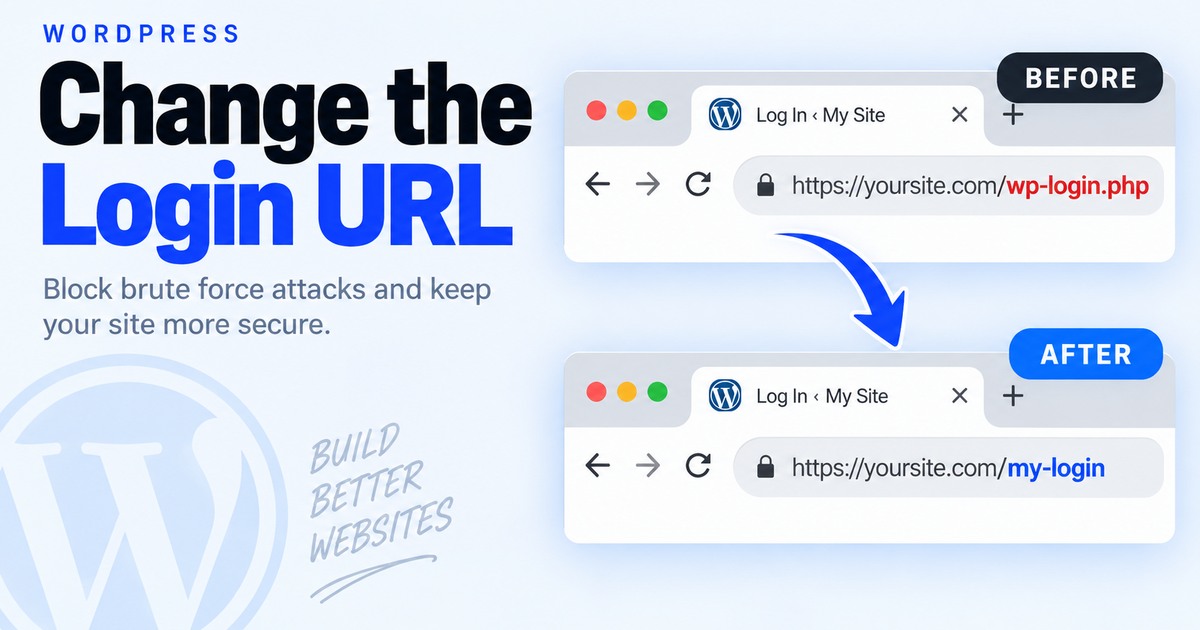
Change the WordPress Login URL — and Know Its Limits
Automated bots repeatedly hit the default WordPress login endpoints. Renaming the login path can reduce obvious noise, but it should not be treated as a security boundary.
Use a maintained login-URL plugin
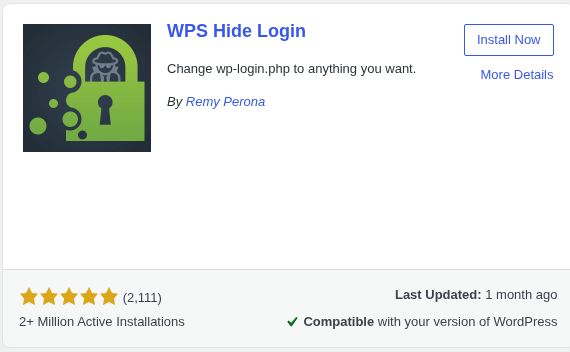
Install a reputable plugin that changes the login path without editing WordPress core files. Record the new path somewhere safe before logging out.
Choose a non-obvious path
Avoid examples such as /login or /admin. Save the setting and test the new URL in a private browser window before ending your current session.
Do not rely on obscurity
A changed URL can still be discovered. Keep WordPress/plugins updated and use strong unique passwords, MFA where available, rate limiting/WAF controls, and reliable backups.
Know the recovery path
Before enabling the change, know how to disable the plugin through hosting/file access if you lock yourself out.
Still not working?
If the new login path returns an error or redirects unexpectedly, disable the login-URL plugin through your host/file manager and retest the normal WordPress login path.
Keep building.
Find another practical WordPress fix and keep moving.