
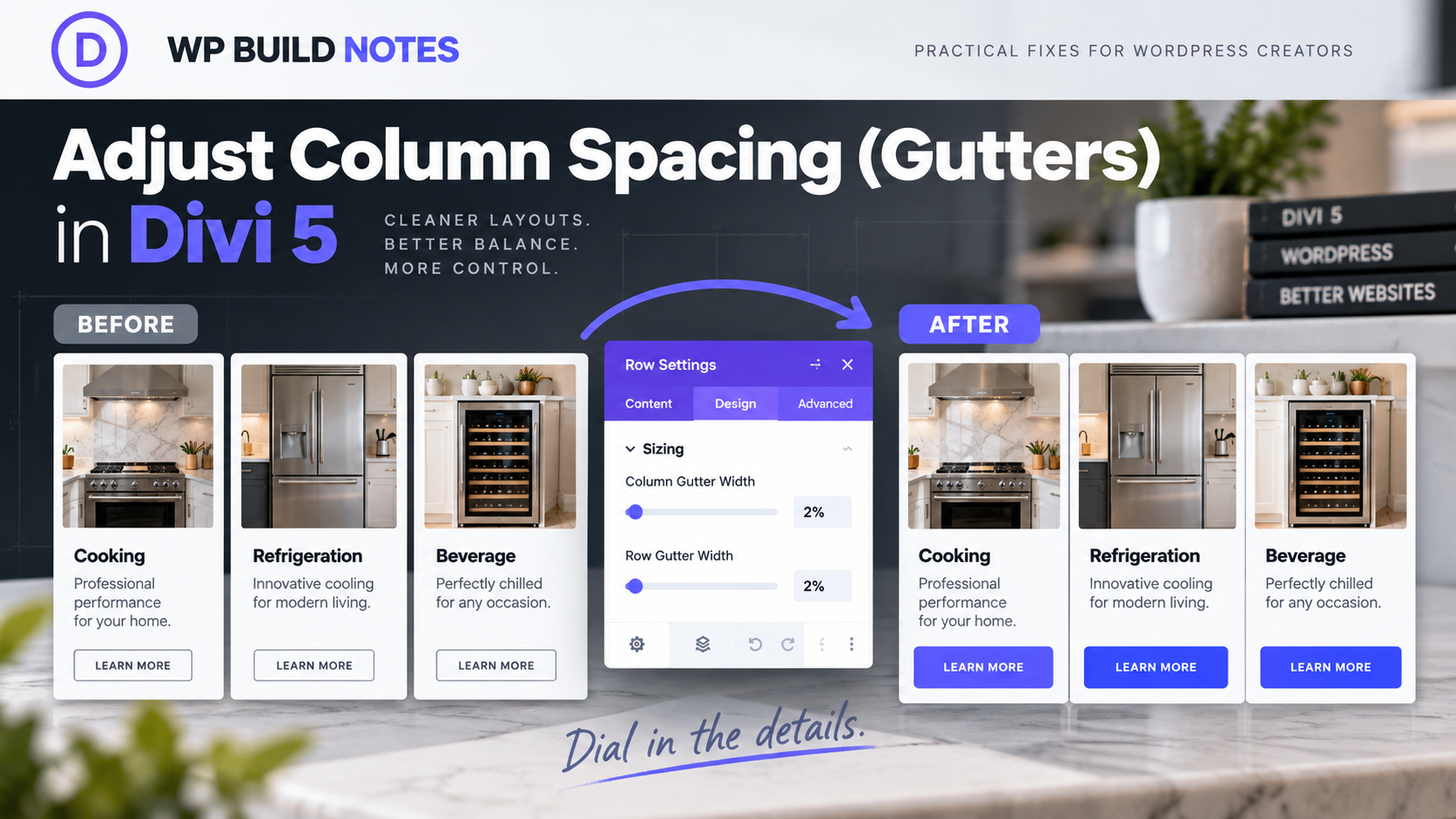
The Problem
Adjust Column Spacing (Gutters) in Divi 5
Divi 5’s Flexbox rows handle column spacing differently from older Divi tutorials. If the columns are too far apart—or glued together—the modern control you want is the row’s Horizontal Gap.
The Fix
1. Open the Row settings
Open the settings for the Row that contains the columns you want to adjust.
2. Go to Design → Layout
Open the Design tab and then Layout. In a Flex row, this is where the spacing between columns is controlled.
3. Adjust Horizontal Gap
Change Horizontal Gap to the amount of space you want between the columns. For a very tight layout, start around 2px and increase from there.
4. Check responsive values
Use Divi’s responsive controls if desktop, tablet and phone need different spacing. A gap that looks right on desktop may be too wide on a narrow screen.
5. Avoid old gutter instructions
Do not waste time looking for the old Divi 4 Use Custom Gutter Width workflow when the row is using Divi 5 Flexbox behavior.
6. Save and compare
Save the Row and compare the spacing at the breakpoints that matter. Keep the gap intentional and consistent with the rest of the layout.
Quick Summary
Row Settings → Design → Layout → Horizontal Gap. In Divi 5 Flex rows, use Horizontal Gap instead of old custom-gutter instructions.
Common Problem
If Horizontal Gap is not behaving as expected, confirm you are editing the correct parent Row and that the layout is using the current Flexbox system rather than an older imported structure.